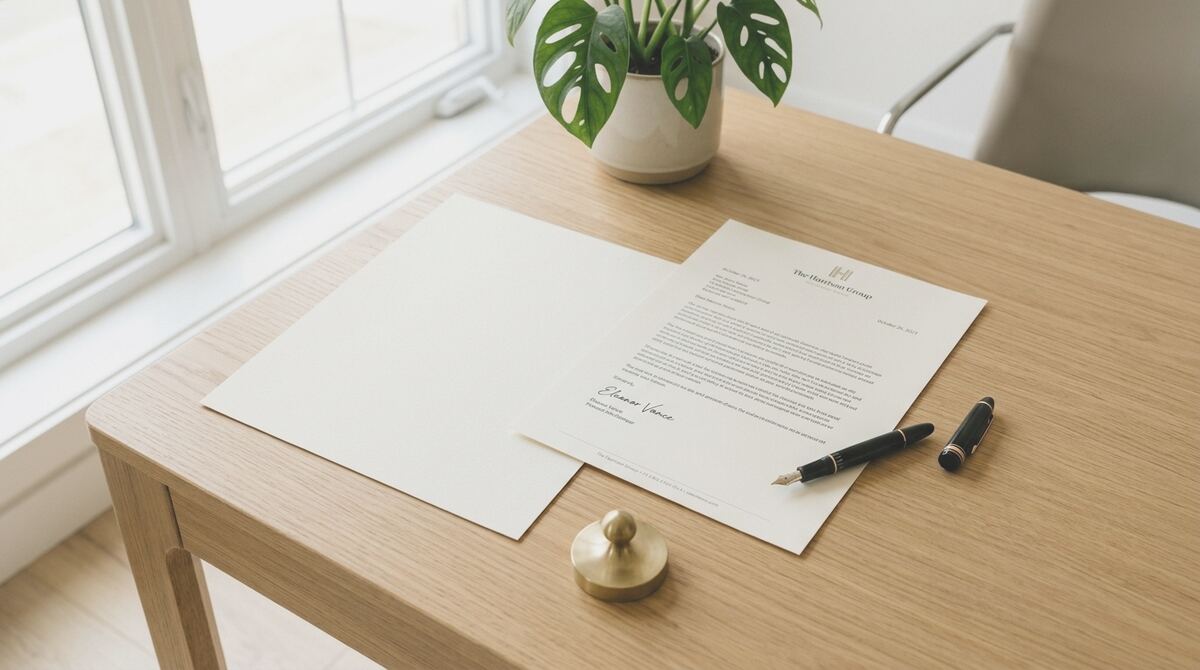
What this tool does
It helps you put together a proper business letter when an email feels too casual or you need a clear paper trail. You describe the situation in your own words, and the tool gives you a tidy draft with the right opening, body and sign off, which you can then adjust before printing or posting.
When to use it
Reach for it when the matter is formal or likely to be referred back to later. Common examples include chasing late payment, responding to a complaint, writing to a landlord or supplier, giving notice, accepting or turning down an offer in writing, or confirming the terms of something you have already discussed by phone.
It suits small business owners, sole traders, landlords, tenants, employees and anyone writing on behalf of a club, school or community group. If you write business letters rarely and want to get the tone right first time without staring at a blank page, this is the sort of thing it is built for. If you only need a quick informal message, a normal email will usually do the job.
How it works
You answer a few short questions about who the letter is to, what has happened and what outcome you want. The tool then produces a draft in plain English, laid out in the usual UK business letter format with space for addresses, the date and a reference line. You can copy it into Word or Google Docs, swap in the real names and figures, and sign it off as normal. Nothing you type is saved to your account or shared with anyone else, so you can use it for sensitive matters without worrying about a record being kept on the site.
The draft is a starting point, not legal advice. If the letter relates to a dispute, a contract or anything that could end up in court or at a tribunal, it is worth having a solicitor or an adviser at Citizens Advice look over the final version before you send it.
Ask Great Business Letters a question
Ask our editorial team a question and we will reply with our advice. Tell us as much about your situation as you can: the more detail you give, the more useful our answer can be.
You do not need to use your real name. Please do not include your full address, phone number, email address, or the names of other people. We may edit or remove identifying details for privacy and legal reasons.
Comments are moderated before publication.